
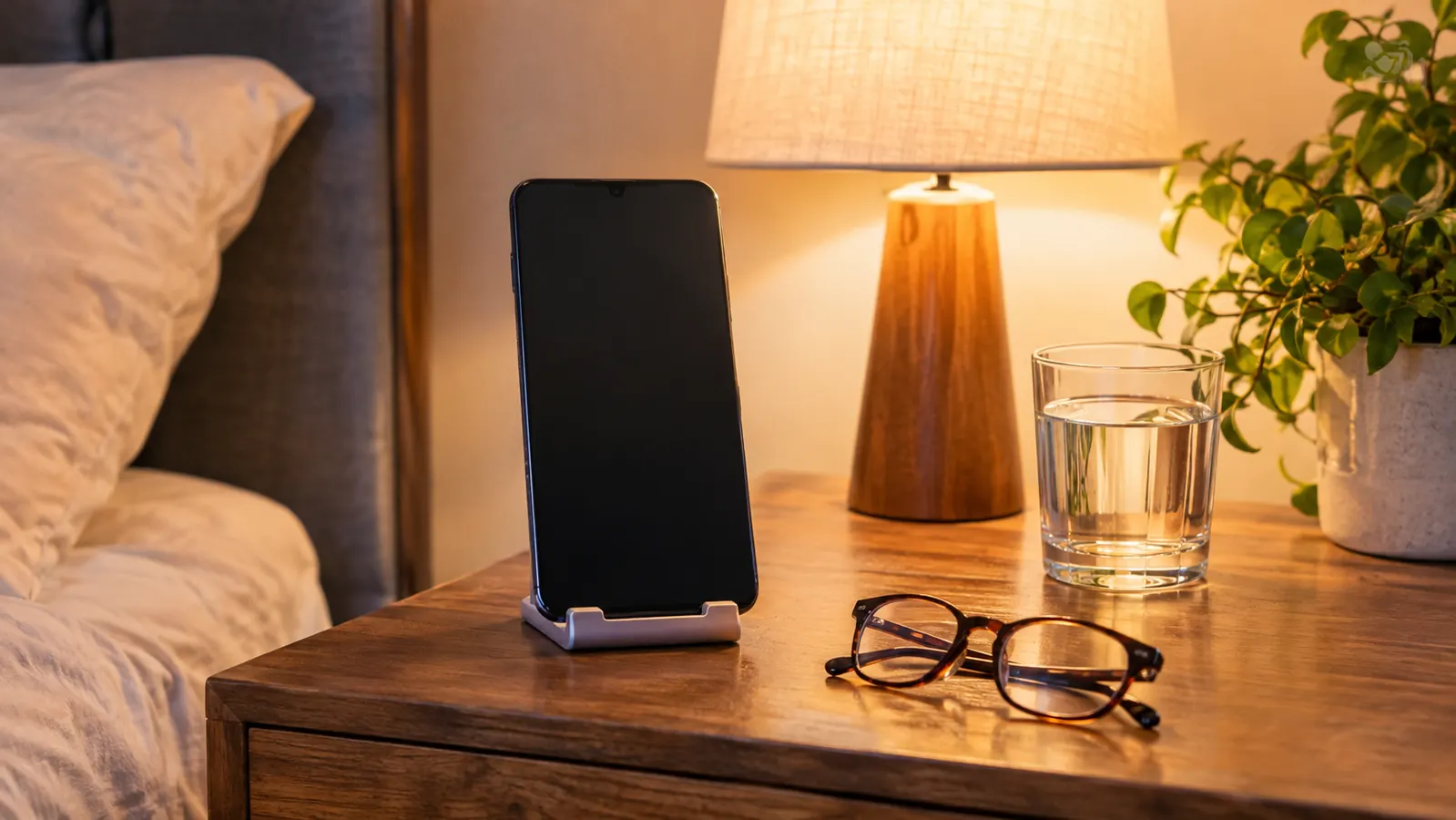
I spent thirty-one years climbing poles and splicing cable for the phone company, and here is what that job teaches you: the last six inches of any job are the ones that cause the trouble. Charging a phone is no different. The outlet is right there. The cord is right there. And still, most nights I was standing at the kitchen counter with a cable in one hand and my phone in the other, hunting for the little slot by feel, because Carol had already turned off the light over the sink. Twice I bent a connector doing it. Once I dropped the phone on the tile and paid for a new screen.
That is the whole reason the Anker 313 Wireless Charger Stand ended up on my nightstand. Not because wireless charging is exciting. It is not. It is because setting a phone down on a stand is one motion, and plugging a cable into a phone in the dark is three motions aimed at a target you cannot see. I have used this stand long enough to know its habits and its limits, and my iPad cable now stays in the drawer where it belongs. What follows is how I set mine up, what I got wrong the first week, and what I would tell a neighbor who asked me about it at church.
Stop hunting for the port in the dark
The Anker 313 holds your phone upright at an angle you can actually read and starts charging the moment you set it down. One motion instead of three.
Amazon Check Today's Price on Amazon →Five Steps That Take About Ten Minutes Total
Step 1: Sort Out the Wall Adapter First
The stand arrives with a 3 ft Micro-USB cable and nothing to plug that cable into. That is the first thing to understand, and it explains a good share of the complaints you will read anywhere online, the ones saying the charger barely works or takes all night. Anker specifies a 9V / 2A adapter for full speed. A leftover cube from an old phone, the kind that pushes half an amp, will still run the stand. It just will not run it properly. I spent one whole evening convinced mine was defective before I checked the adapter and found a weak spare I had pulled out of the junk drawer.
Here is the plain version of the numbers. Watts are how fast the electricity moves into the battery. This stand delivers up to 10W to Samsung Galaxy phones and up to 7.5W to iPhone models, and it can only do that when the adapter behind it can supply the current. A weak adapter does not break the stand. It just makes every charge a slow one, and slow charging is what convinces people that wireless charging is not worth the bother.
Read the small print on the cube you plan to use. It will list an output, something like 5V at 1A or 9V at 2A. If it says 5V at 1A, put it back in the drawer. If it says 9V at 2A, or lists both 5V and 9V, you are in business. The adapter that came with a recent phone is usually the right one. The adapter that came with a phone from 2016 usually is not.
Plug that adapter into a wall outlet. Not into a power strip with a switch on it, and not into a USB hub on the computer. I say this because I did both. The strip got switched off at bedtime and the stand sat there doing nothing, and the laptop went to sleep and took the charging with it. The outlet behind the nightstand is the boring answer and it is the correct one.
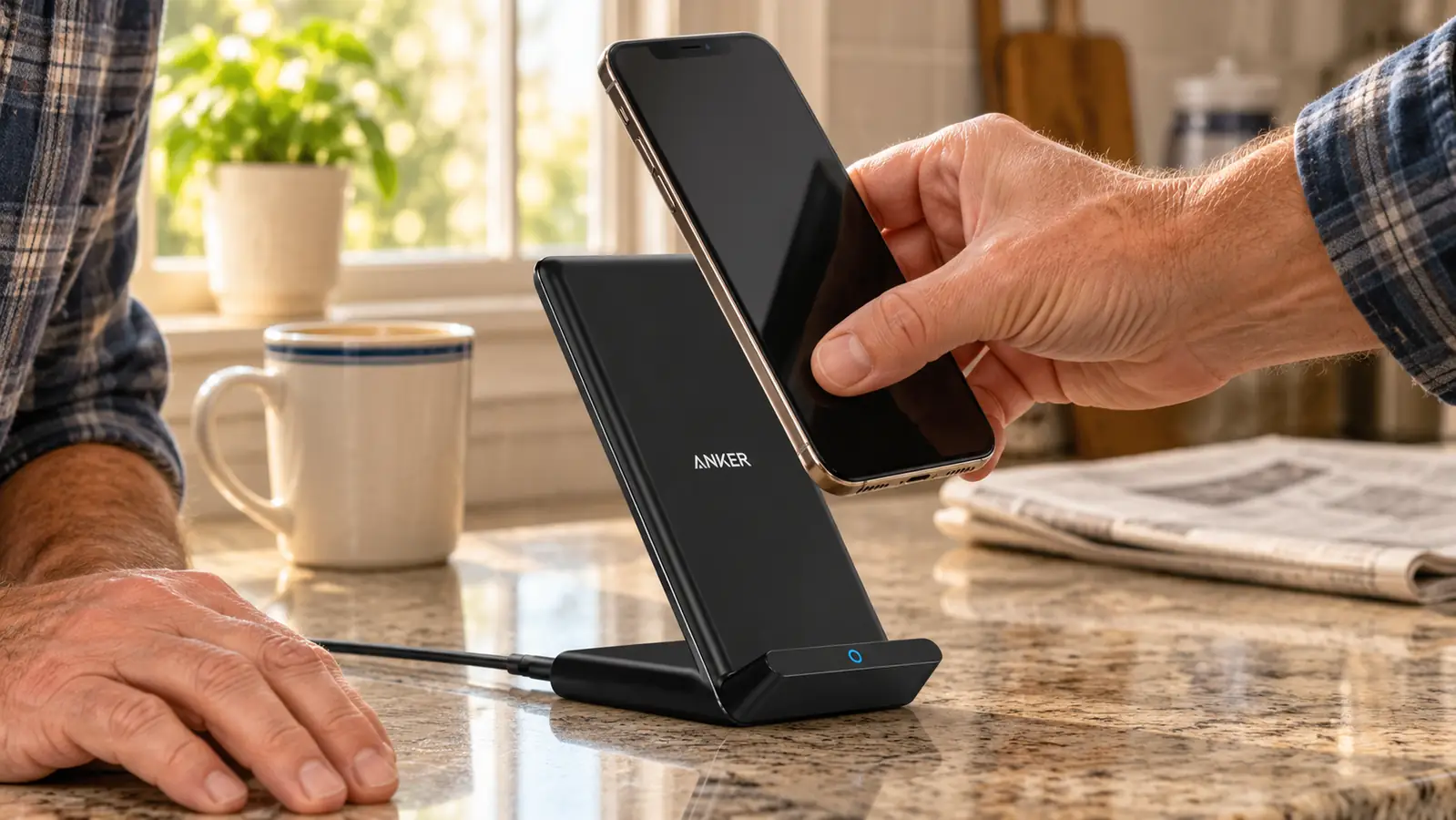
Step 2: Put the Stand Where Your Hand Already Goes
A stand is only worth owning if it sits where your hand already travels. For me that is the corner of the nightstand, about an arm's length from the pillow, low enough that I can tap the screen without sitting up. Carol keeps hers on the kitchen counter by the recipe books, because that is where she sets her phone down when she walks in the door with groceries. Neither spot is clever. Both spots get used every single day, and that is the whole point.
The stand holds the phone upright. In portrait the phone sits vertical, which is what you want for reading a message or unlocking with Face ID without picking it up. Turn the phone sideways into landscape and the stand holds it that way for video, which is how I watch the morning news while I eat my eggs. That flexibility matters more than it sounds. A flat charging pad turns your phone into a useless slab the moment you set it down, and a stand keeps it readable.
One honest limit: this is a phone stand. My iPad stays on a cable and I am fine with that. Tablets are heavier, and I would rather have the iPad lying flat with a cord than balanced on something built for a pocket-sized device. Knowing what a thing is not for is how you avoid a return and a bad mood.
Mind the cord reach while you are at it. The cable in the box is three feet, so the stand wants an outlet within about three feet, minus a little slack for the loop behind the furniture. If your only outlet is on the far wall, a short extension cord is cheaper and easier than moving the nightstand. Keep the loop loose. A cable pulled tight at the connector is a cable that dies young.
Step 3: Check the Case Before You Blame the Charger
Wireless charging gets blamed for being finicky when the case is usually the culprit. This stand charges through cases up to 2.5 mm thick, as long as the case is plastic, rubber or TPU. A thick wallet case, a case with a metal plate glued inside for a car mount, or one with a magnet ring built in will block the charge. So will a credit card or a transit pass tucked into the back, which I have absolutely done and then blamed the charger for.
The test takes ten seconds. Take the case off, set the phone on the stand, and watch for the charging indicator. If it charges with the case off, the stand is fine and the case is your answer. If it will not charge with the case off either, then the question is real, and nine times out of ten the answer is the adapter from Step 1.
If your case is the thick kind you are not giving up, charge without it overnight. Setting a bare phone on the stand before bed is no more effort than setting it down with the case on, and the phone stays cooler. That is what I do with mine, not because the stand demands it but because the case I like runs thicker than 2.5 mm and I would rather keep the case.
Wireless charging gets blamed for being finicky when the case, or the adapter behind it, is almost always the real answer.

Step 4: Set the Phone Down Centered and Leave It Alone
Inside the stand, and inside your phone, are coils of wire that have to sit close to each other to pass power across. Qi is the name of the standard they both follow. If the coils do not line up, nothing happens, and no amount of wiggling will change that. The stand's job is to put the phone in roughly the right place every time without you aiming. That is why a stand beats a flat pad for anyone who charges in a dark room.
My habit now is to set the phone in the middle of the stand and let go. If the charging indicator does not come on, I lift the phone and set it down again rather than sliding it around the surface. Sliding is how you scratch a phone and how you talk yourself into thinking the charger is unreliable. Lift, set, look. It takes about three seconds, and after a week you stop noticing you do it.
Smaller phones sit lower on the stand, so the middle of the stand is not always the middle of the phone. If yours is a compact model, set it so the back of the phone is centered against the upright part and check once in good light. If you have a large phone, the opposite applies and it will want to sit a little high. Either way, one evening of paying attention settles it for good.
Step 5: Turn Charging Into a Routine, Not a Chore
The reason this thing earned a permanent spot on the nightstand is not the charging speed. It is that the phone now goes somewhere. I set it down when I go to bed and pick it up when I get up, and it is full both times. Before, the phone lived on the arm of the couch with a cord trailing across the floor, and half the mornings it sat at forty percent because the cable had worked loose in the night.
The same routine works in the kitchen. Carol sets her phone on hers when she comes in from the store and it is charged again by the time she heads back out. You are not adding a chore here, you are removing one. The cord stops being something you hunt for and becomes something that stays plugged into the wall behind the furniture, out of sight and out of the way.
Register the stand when it arrives. It carries an 18-month warranty and the welcome guide in the box has the details. Keep the cable that came with it, since three feet is exactly right for a nightstand and the connector is the part that fails on any cable. And know the weight: mine is 3.84 ounces, light enough that a bumped elbow slides it. I put a small square of grippy shelf liner under mine and it has not moved since.
When you travel, take the cable and leave the stand home if space is tight, or take both if you are driving. In the CR-V the stand goes in the console and the phone rides on it well enough for a rest stop charge. Small thing. But small things done every day are what a routine is made of.
What Else Helps
Keep the surfaces clean. Dust and grit collect on the stand and on the back of the phone, and grit between two hard surfaces is how you get scratches that are nobody's fault. A dry cloth once a week is enough, and it takes less time than reading this paragraph.
Expect a little warmth. Wireless charging makes some heat, and that is normal rather than a fault. If the phone feels hot instead of warm, the case is probably too thick and the stand is working harder than it should. Take the case off and see whether it runs cooler. If it still runs hot, stop using it and call Anker, because that is what the warranty is there for.
Charge one phone at a time. This is a single-device stand, and stacking a second phone or a pair of earbuds on top of the first will not work. If your household has two phones that need charging every night, two stands is the honest answer, and it is what we ended up with. It also ends the small nightly discussion about whose turn it is.
Keep it away from the edge of the counter, and away from the sink. A stand that gets knocked into dishwater is a stand you replace. Ours sits back against the backsplash, which is far enough that a wet hand reaching for the faucet will not find it. That is not a feature of the product. It is just where the thing ought to live.
One motion at bedtime instead of three in the dark
Anker 313 Wireless Charger Stand, with a 3 ft Micro-USB cable in the box. Bring your own 9V / 2A wall adapter, and check your case thickness before you decide it does not work.
Amazon Check Today's Price on Amazon →