
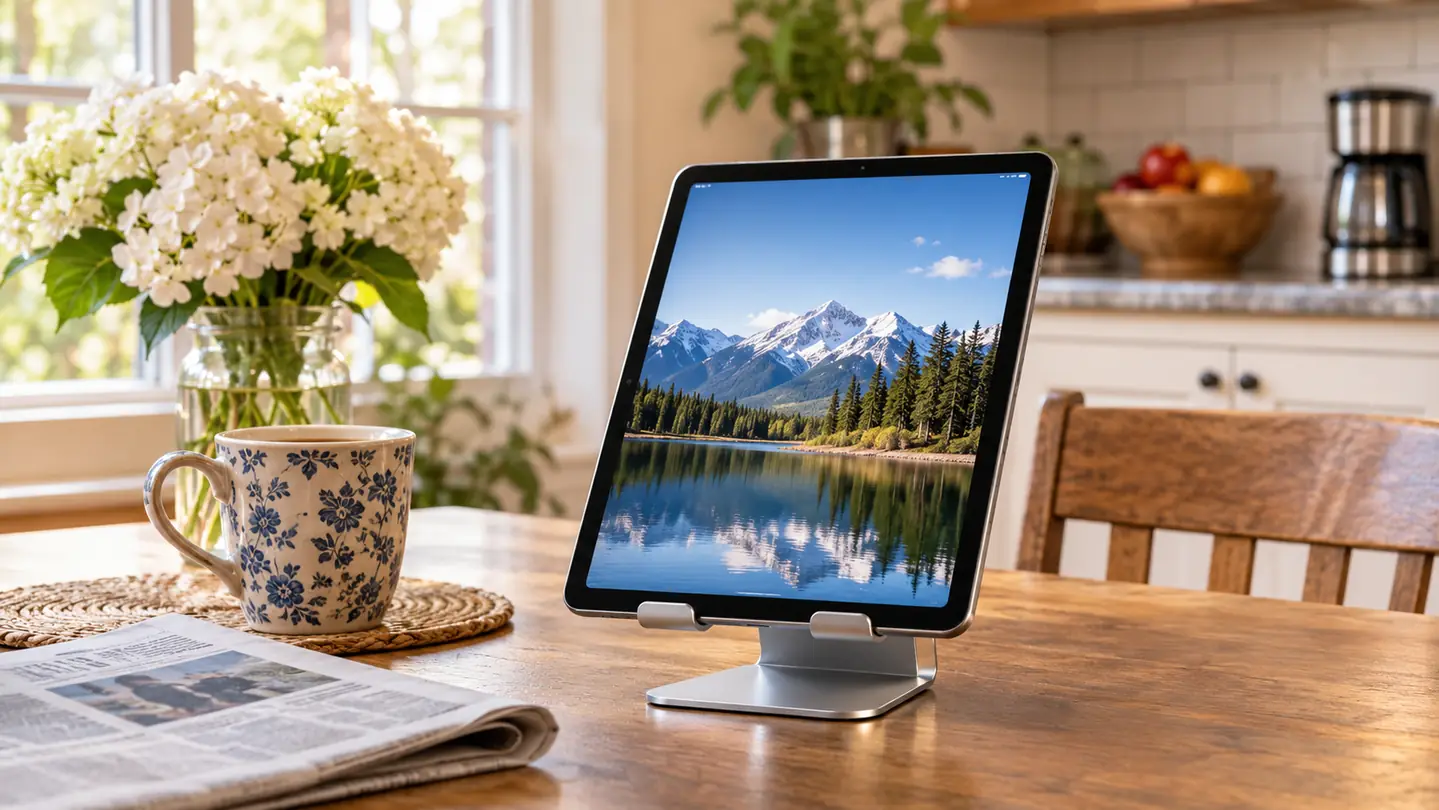
I bought the Lamicall tablet stand in February because my neck hurt by two in the afternoon. For a year before that, my iPad lived on a stack of old magazines with a coffee mug propped against the back to hold it up. Every time I touched the screen the whole arrangement slid an inch to the left, and every time I looked down at it my chin went toward my chest. Carol finally said, Glen, just buy the thing, so I did.
That was eight months ago, and the stand has not left the kitchen table since. I use it every morning for the news, most evenings for a video call with the grandkids, and on Sunday afternoons when I am following a recipe with my hands covered in flour. It has done the job without any fuss, without a single adjustment I had to make twice, and without a mark on the iPad. It has also taught me two measurements I had never thought about before, 18mm and 13 inches, and one of those numbers will rule this stand out for a fair number of people. Better to know it before you order than after the box is open.
The Quick Verdict
Eight months of daily use, no wobble, no scratches on the iPad. The Lamicall does one job and does it properly. Check that your tablet with its case is under 18mm thick before you order.
Amazon Check Today's Price →The end of the magazine stack
Adjustable aluminum stand, 8.81 ounces, holds any tablet or phone from 4 to 13 inches. Dry off your tablet, measure it with the case on, then go.
Amazon Check Today's Price on Amazon →How I've Used It
My iPad is the only tablet in this house and it is not a new one. It does three things: the morning news, video calls with the two grandkids, and recipes. The stand has been in the middle of all three since the day it came out of the box in February. It sits at the end of the kitchen table, angled toward my chair, and when I want it closer I pick the whole thing up by the base and set it down again. It has never once slid out from under the tablet while I was doing that, which is more than I can say for the magazine stack, which dumped the iPad onto the floor twice in one winter.
The morning routine is where it earned its keep. I used to hold the iPad in one hand and my coffee in the other, which meant the coffee went cold while I read and my wrist ached by the second cup. Now the tablet stands up on its own and both hands are free. Twenty minutes of reading with my head up instead of folded down toward my lap. The first week I kept catching myself holding the tablet anyway, out of plain habit, and setting it back down. By the second week the habit was gone. That sounds like a small thing until you have spent a year doing it the other way and your neck has opinions about it.
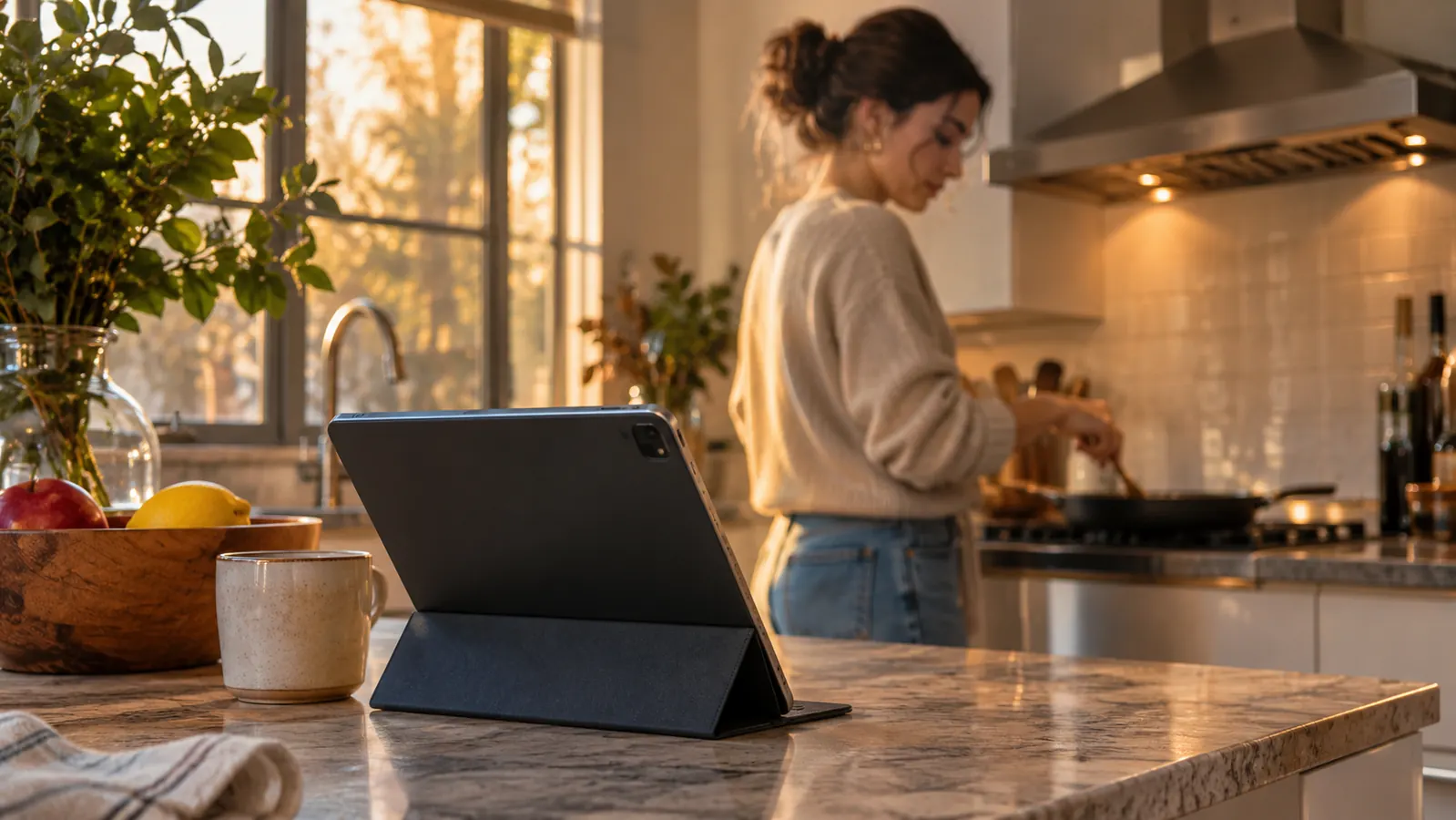
The recipes are the part I did not see coming. I am not a patient cook, and a recipe on a flat tablet means leaning over the counter with my reading glasses sliding down my nose while I try to hold a measuring cup steady. Standing up at a slight backward angle, the screen sits where I can see it from a step away, and I can read the next line with both hands full. Last month I made a pot of chili that took most of an afternoon and I never once had to wipe my hands off to touch the screen. That is the whole case for a stand, right there. It keeps the tablet out of the way of the work instead of in the middle of it.
The video calls surprised me more than the reading did. When the iPad lies flat on the table, the grandkids are looking straight up my nose and I am looking at the ceiling fan. Standing up at eye level, the calls run longer because nobody is fidgeting with the device. Carol started using it for her own Wednesday night calls in the spring, which I did not expect, and the grandkids borrow it on weekends to watch something while they eat. I have not had to rescue it from them once. Eight months of a tablet being handed between a 63 year old man, his wife and two children, and the stand still holds an angle.
What the Aluminum Body Feels Like Day to Day
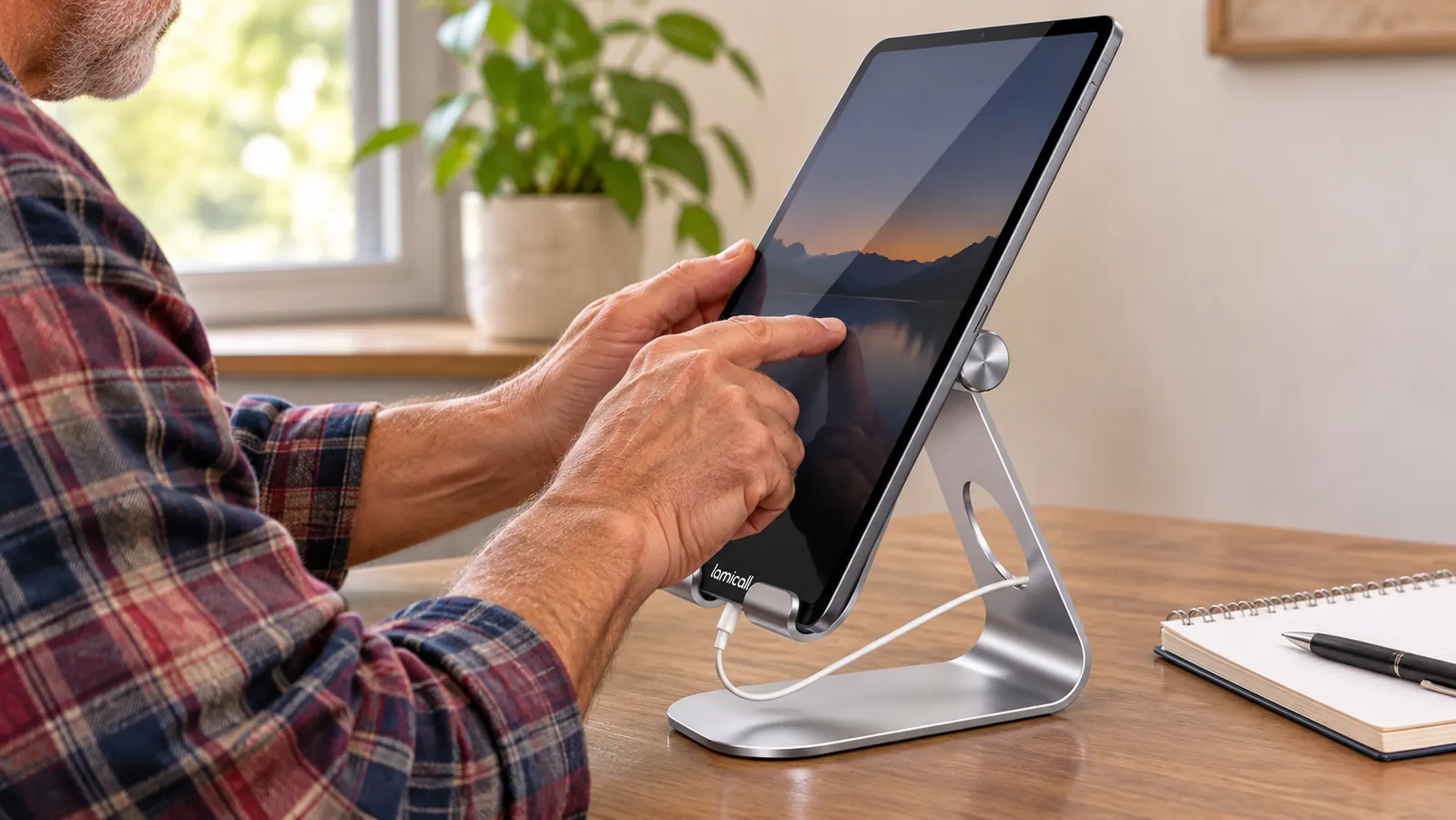
The stand weighs 8.81 ounces, a little over half a pound. That is light enough to move from the table to the counter with one hand and heavy enough that it does not skid when I knock the table with my knee. I have bumped it more times than I will admit out loud, including once with the edge of a grocery bag that caught it square on the way past. It has not tipped over, and the tablet has not gone down with it. My grandson set it down hard enough one Saturday that the whole table shook, and the iPad did not move a quarter inch in the cradle.
The frame is aluminum and it does not flex. When I tap the screen to scroll, the tablet stays exactly where I put it. My magazine stack would shift a quarter inch with every tap, and after ten minutes the tablet was leaning like a fence post in a wind. There is none of that here. The stand takes the tap and gives nothing back. I have pushed hard enough on a stubborn news page to slide the whole stand an inch across the wood. The stand moved. The angle did not. If you have only ever used a tablet flat on a table or held in your hand, this is the part that will feel different, and you will notice it in the first ten minutes.
The rubber pads are the part I did not expect to care about. There are pads where the tablet sits and feet underneath the base, and after eight months there is not a scratch on the back of my iPad. I checked it under the kitchen lamp last week, turned it over and ran my thumb along the bottom edge where it rests in the hook. Nothing. The feet hold on a bare wood table, which was the exact thing the magazine stack failed at every single morning. It is a small detail that decides whether a person uses a stand every day or leaves it in a drawer.
The Two Measurements That Decide Whether It Fits
The first number is 18mm. That is the depth of the hook that holds the bottom edge of your tablet, and the listing says plainly that the thickness of your tablet, or your tablet with the case on, needs to be no more than 18mm. In kitchen table terms that is about the thickness of nine nickels stacked up. Carol handed me her sewing ruler and I measured mine with the thin shell still on it and came nowhere near the limit. If you lay a ruler across your tablet and it reads past 18mm, the Lamicall stand will not hold it the way it is meant to, and you should know that before you unwrap the box.
The second number is the size range: 4 to 13 inches, tablet or phone. My iPad sits well inside that, and so does my iPhone, which I tried in it for a week just to see. It held the phone fine, though a phone in a tablet stand looks a little silly on a kitchen table and I put it back in my pocket after a few days. A small e-reader and a large 12.9 inch iPad are both inside the range the listing gives, so most people will not be caught out by size. Thickness is where the trouble lives.
The thickness number matters more than people expect, because almost nobody takes the case off. A thin shell is fine. A heavy-duty case with a kickstand or a thick rubber bumper is not, and the stand will hold the tablet at a lean instead of upright. My neighbor across the street has one of those rubber cases that looks like it could survive a drop off a ladder, and his iPad sat in the stand at an angle that made me nervous just looking at it from the sidewalk. Measure the tablet with the case still on it before you order. Carol made me do that, and it is the reason I did not have to send anything back.
Angles for Reading, Typing and Video Calls
The stand adjusts through a range of angles and the joint holds where you leave it. For reading I set it close to upright, so the screen sits roughly at eye level when I am in my chair. That is the whole reason I bought the thing. My neck stopped aching within about a week of setting it up, and it has not come back. I want to be careful about that claim. I am not saying a stand fixed my neck. I am saying that for a year I read looking down at my lap, and now I read looking straight ahead, and my neck noticed the difference.
For typing I drop it back. Typing on glass at a steep angle is a bad idea on any stand, because every keystroke pushes the screen away from you. Flatter is better. Even so, if I set it steep and then stab at the on-screen keyboard, the stand rocks back a touch. Not enough to fall, and not enough to make me stop using it, but enough that I noticed in the first week. If you plan to type more than a sentence or two, set it low and save yourself the wobble.
Video calls want something in between and that is where it shines. The camera ends up near eye level, so the grandkids see my face instead of the light fixture. I set the angle once at the start of a call and never touch it again. Eight months in, that joint has not sagged a hair. A stand that drifts downhill over the course of an evening would be worse than no stand at all, because you would be reaching out to correct it every ten minutes and eventually you would stop bothering. This one has held.
Where It Falls Short
The 18mm limit is the real dealbreaker and I want to be straight about it. When the case is too thick, the hook cannot close around the bottom edge the way it should, and the tablet leans back instead of standing. That is not a defect, it is the design, and the listing says so in plain text. But it means this is not the stand for everybody, and a reader who skips that line will be disappointed. If you keep a rugged case on your tablet all the time, take it off and measure before you order, or plan to slide the case off when you set the tablet down. Neither of those is a disaster. They are just things I would rather tell you now than have you find out on a Tuesday night with a return label in your hand.
The second thing is that it is a tabletop stand. The mounting type on the listing is tabletop, and that is exactly what it does. There is no clamp on it, nothing that grips a desk edge or a headboard. If you want to watch something in bed with the tablet hovering over your face, this will not do that. It stands on a flat surface and that is the whole of it. I keep mine on the kitchen table and it has never wanted to be anywhere else, but I would not buy it hoping it would work on a couch arm or the shelf of a treadmill.
The third is small but worth saying. It holds one device at a time. I have a phone and a tablet and I have never needed both up at once, so this has not bothered me. If you do, this is not that stand. It is a single purpose piece of aluminum, and it does the single purpose well instead of doing four things badly. There is also the matter of travel. At 8.81 ounces it will go in a bag without weighing you down, but it is a rigid piece of metal, and it takes up the room a rigid piece of metal takes up.
What I Liked
- Holds the angle you set and does not drift over an evening
- Rubber pads and feet kept the iPad unmarked for eight months
- Aluminum frame does not flex when you tap the screen
- Fits anything from a phone up to a 12.9 inch iPad
- 8.81 ounces, easy to lift and move with one hand
Where It Falls Short
- Will not hold a tablet and case thicker than 18mm
- Tabletop only, no clamp for a desk edge or headboard
- Holds one device at a time
- Rocks back slightly if you type hard at a steep angle
Eight months on one kitchen table and the iPad has not slipped once. The only number that decides whether it works for you is 18mm.
Who This Is For
This is for someone who already reads or watches on a tablet at a table and is tired of holding it up. If you are 50 or older and your neck tells you about it by mid afternoon, that is the exact person I am describing, because that was me in February. It suits a kitchen too, where a recipe and a video call both want the screen up and your hands free. Anyone who wants a tablet at eye level on a flat surface, and who does not want to think about it again after the first week, will get their use out of the Lamicall stand.
Who Should Skip It
Skip it if your tablet plus its case is thicker than 18mm. Measure it before you click anything. Skip it if you want to use the tablet lying in bed or on your lap on the couch, because a tabletop stand stays on the table. Skip it if you want a clamp that grips a desk edge or a headboard, or one stand holding two devices at once. None of those are knocks against the Lamicall. They are the edges of what it is, and knowing them ahead of time is the difference between a stand you reach for every morning and one you move to a drawer and forget about.
Eight months in, I would buy the Lamicall again
It holds the angle, it does not scratch the iPad, and it does not slide on a wood table. If your tablet and case come in under 18mm, this is the one I would hand to a friend.
Amazon Check Today's Price on Amazon →